Case Study 01
Reimagining how clients move money to JPMorgan.
ACAT redesign
I led the end-to-end redesign of JPMorgan Wealth Management's external asset transfer (ACAT) flow. Through data analytics we focused on three key drop-off areas. I collaborated with cross-functional teams to deliver a solution that streamlined the flow by 50% and used AI to eliminate client errors.
My focus is client discovery and trading experiences. I was brought in to lead a different team — a completely new line of business for me — and had about two weeks to get up to speed before I needed to start driving the work.
The drop-off was visible at the team level but hadn't reached leadership. It hadn't been framed in business terms yet. Part of my job was making that translation — taking what the team already knew and turning it into something leadership could act on.
Estimated clients per year initiate an ACAT.
Of clients never complete the transfer.
Estimated AUM lost annually.
An audit of the existing flow surfaced where clients were dropping off. Three friction points (A, B, and C) accounted for the majority of abandonment. The next three sections break each one down.
clients encounter this screen annually.
never proceed with any transfer.
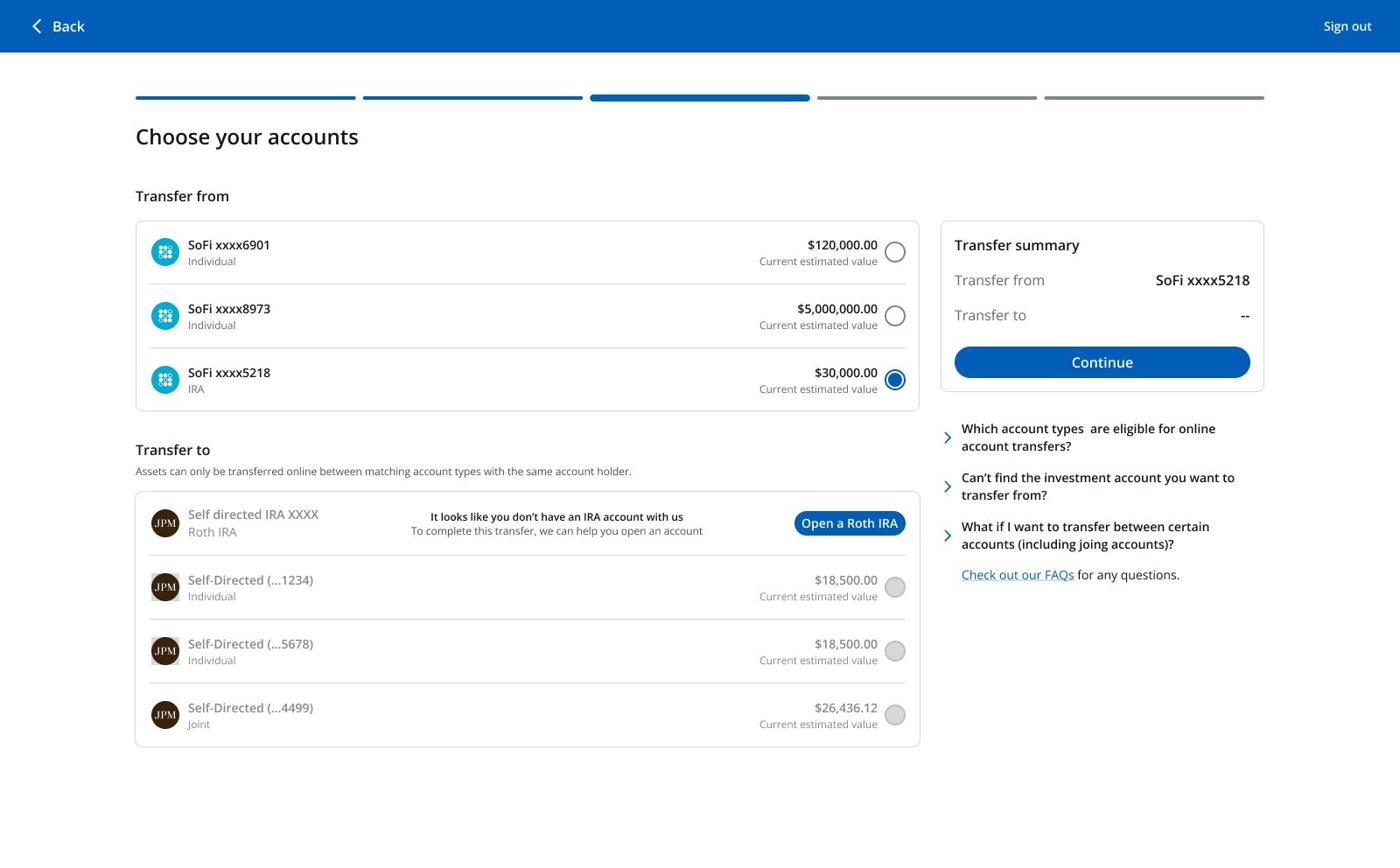
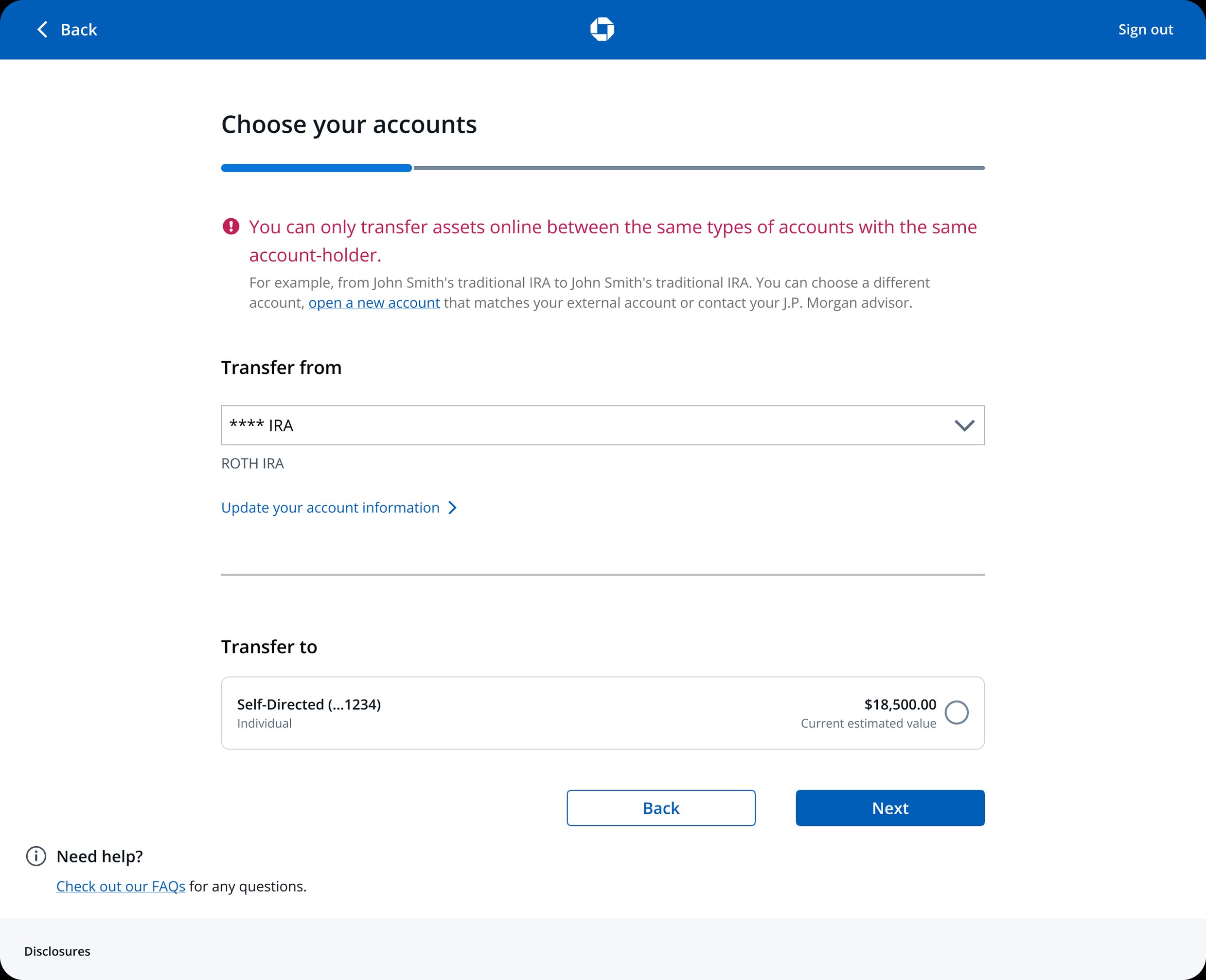
Two things were failing the client here: the screen read as their fault, and the only way forward was hidden in the copy.
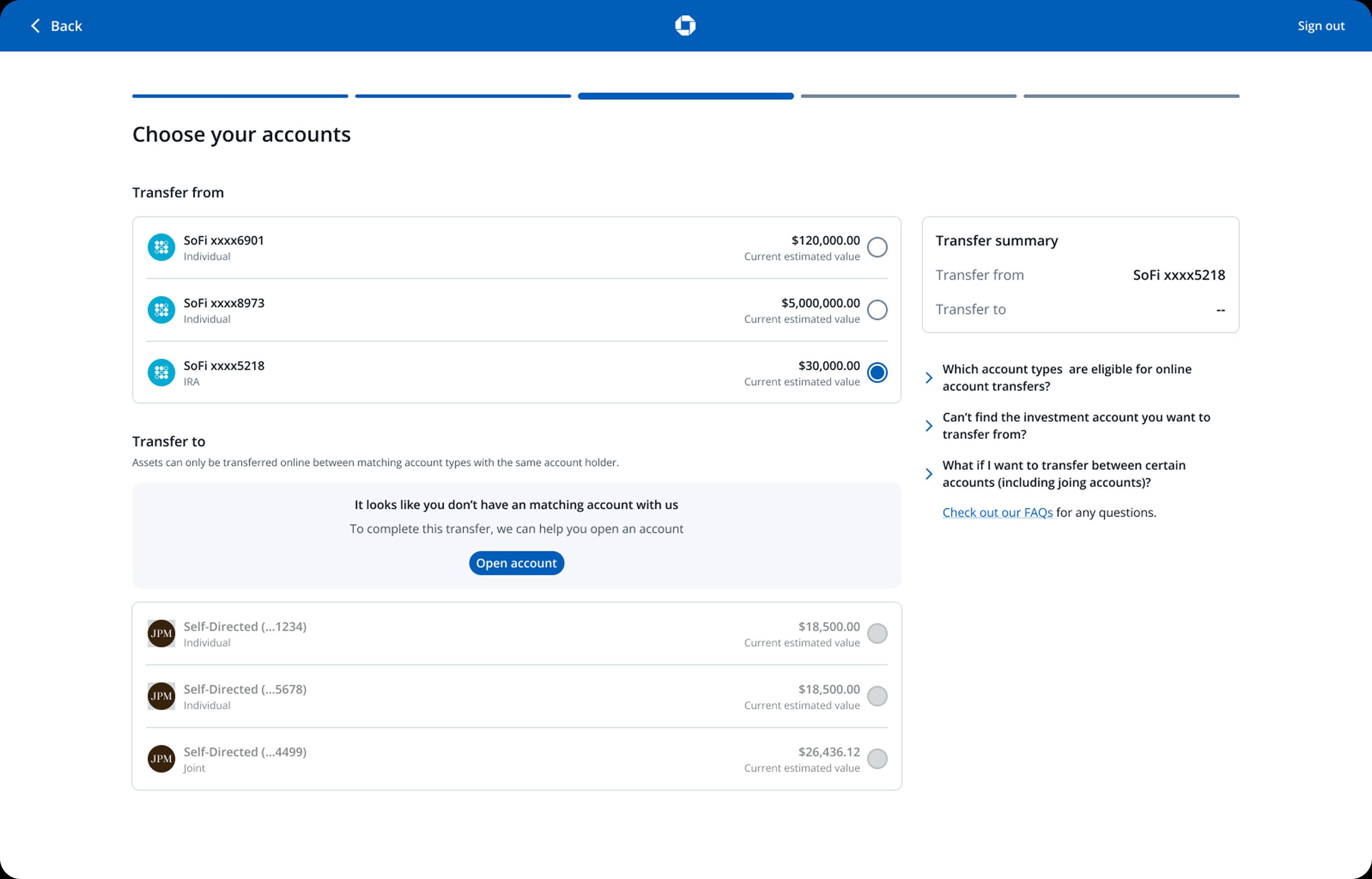
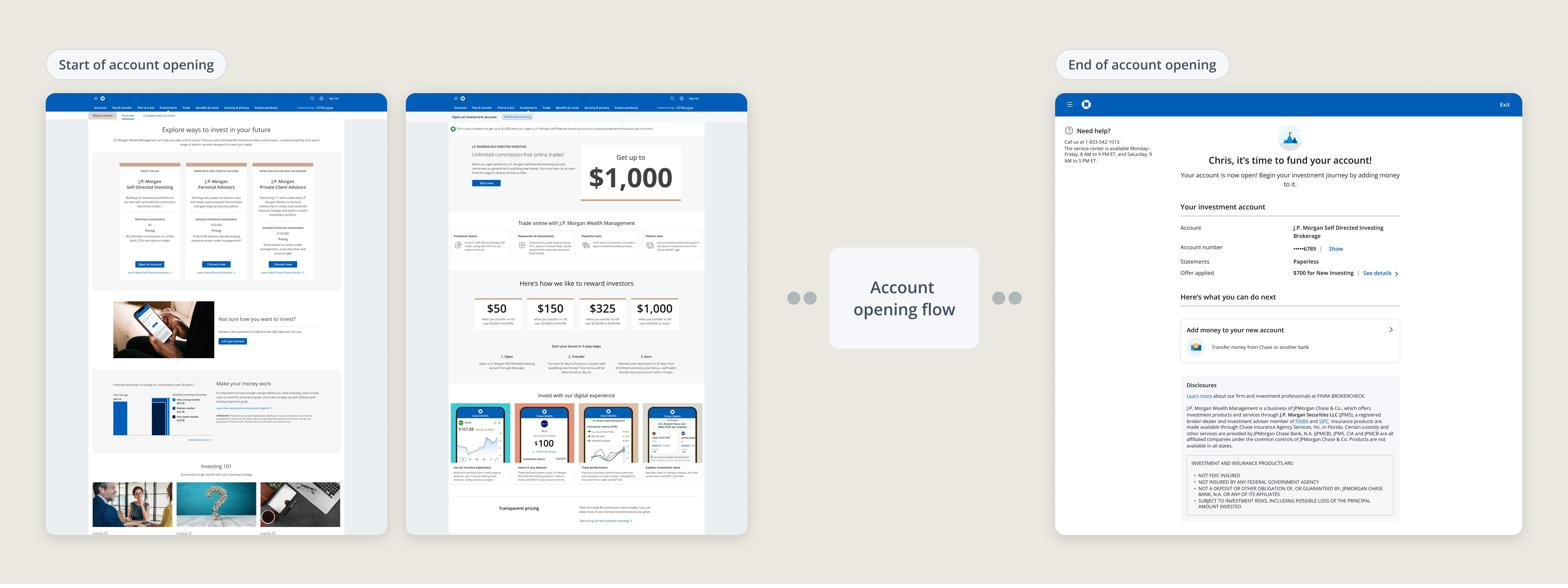
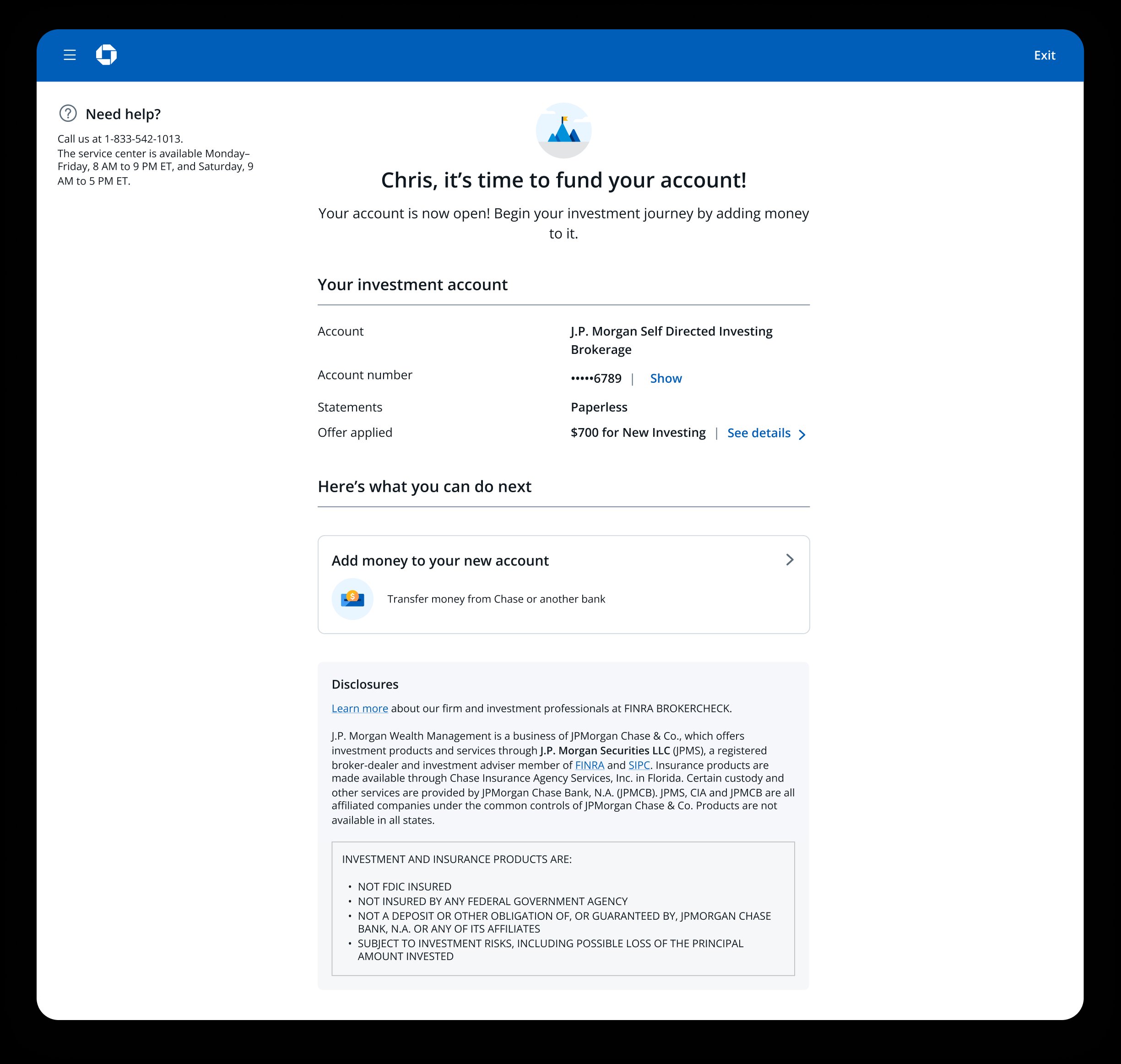
Clients who need to open a matching account are sent into a separate account-opening flow. When they finish, they land on a generic "fund your account" screen with no link back to the transfer they were trying to complete.
Fixing this meant reaching outside my team. The account-opening flow was owned by a separate product and dev team, and getting the handoff right required a cross-team pitch, confirmed scope, and a new kind of collaboration.
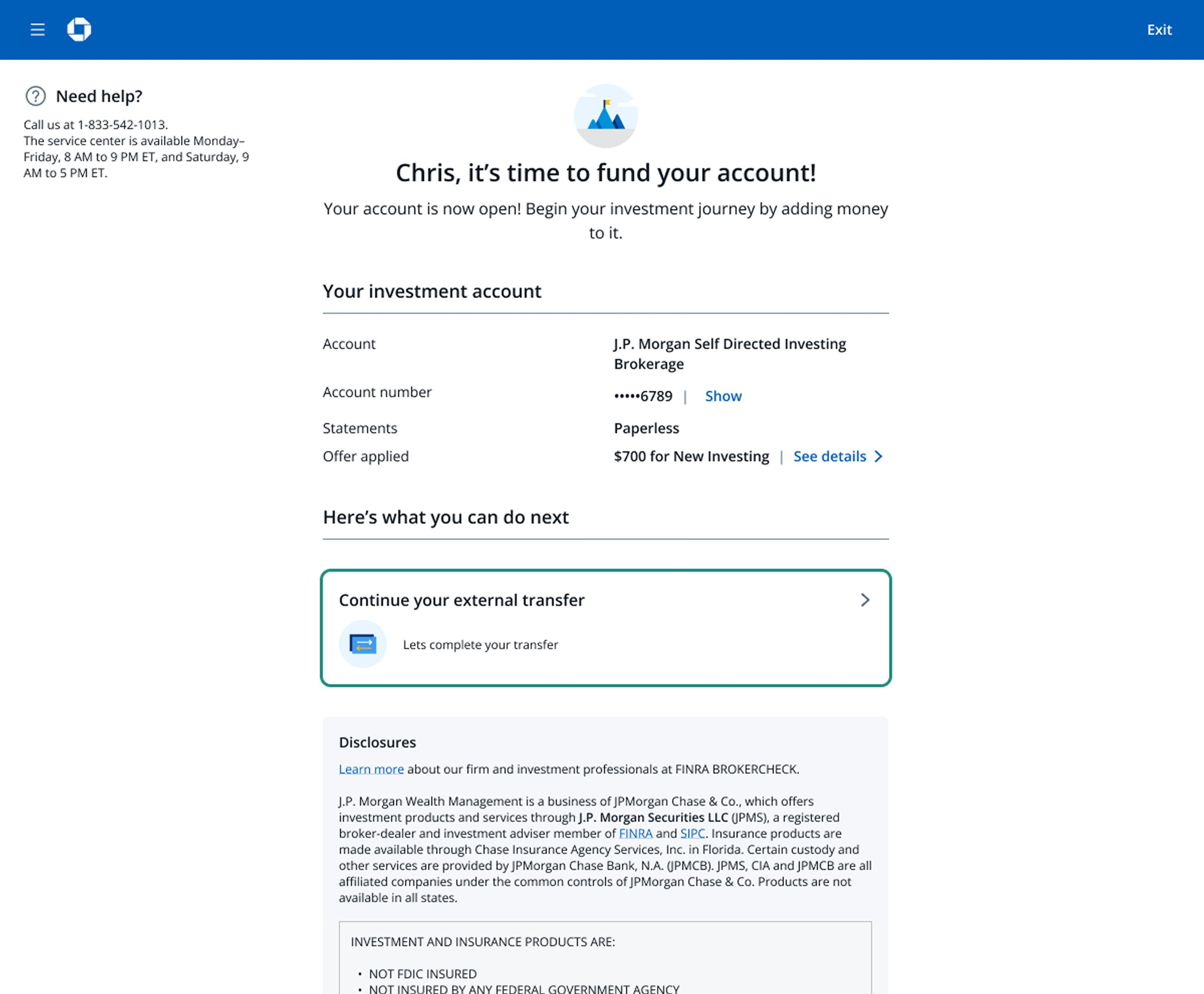
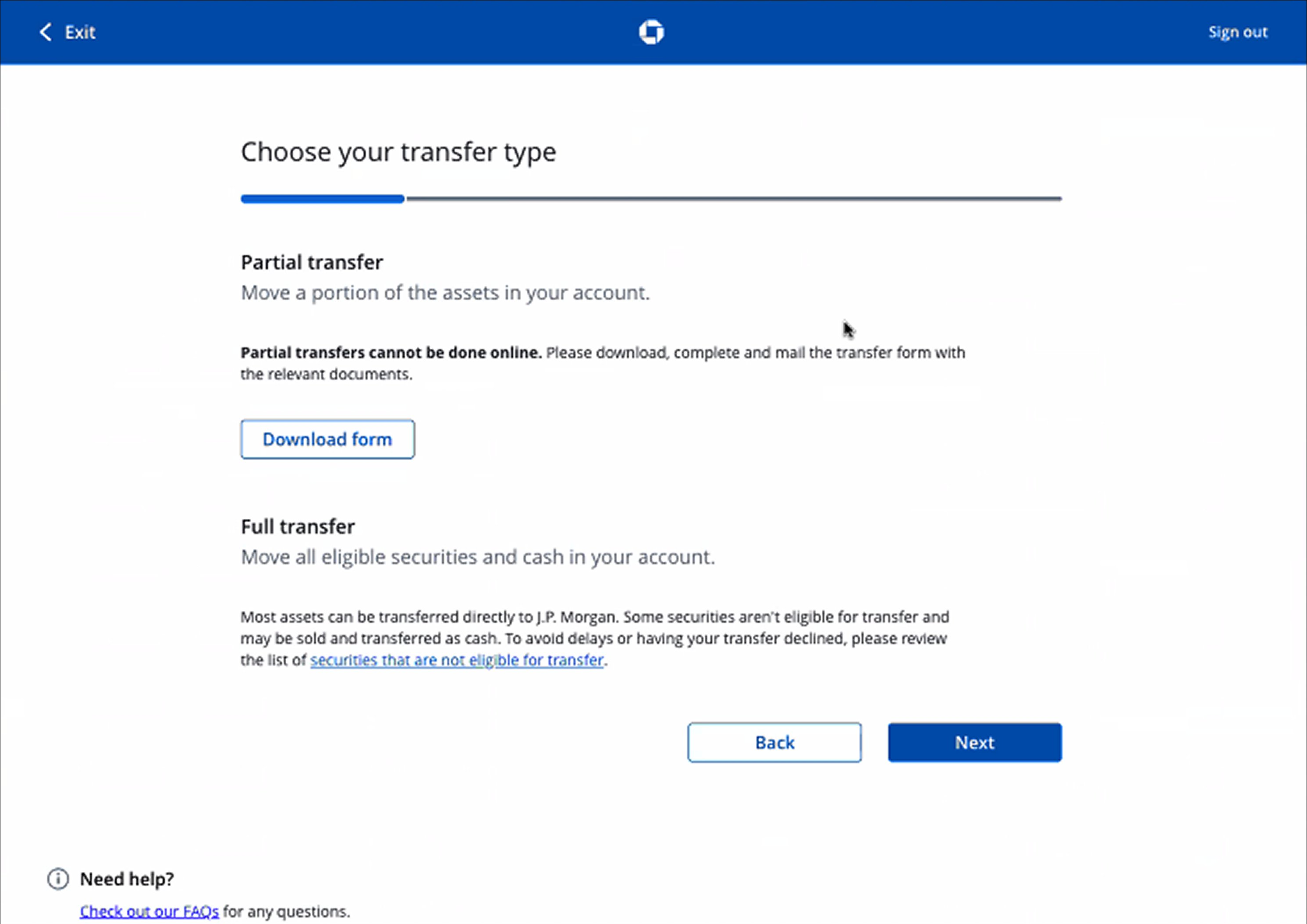
drop off when deciding between full or partial transfer.
drop off when entering account details manually.
33% of clients dropped off choosing transfer type. 64% dropped off entering account details manually. Every error meant a rejected transfer and a full restart. The solution wasn't a better form. It was removing the need for one.
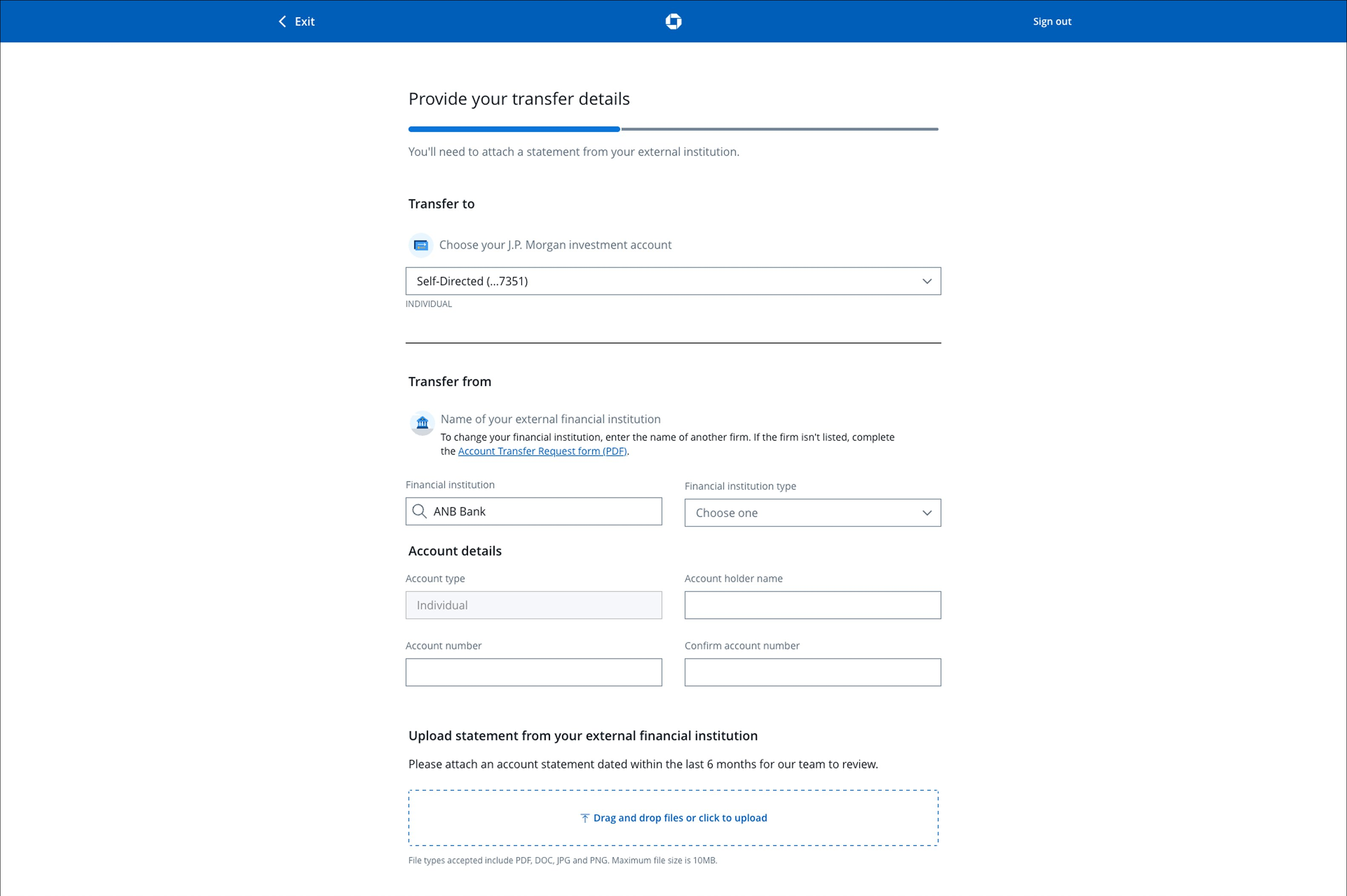
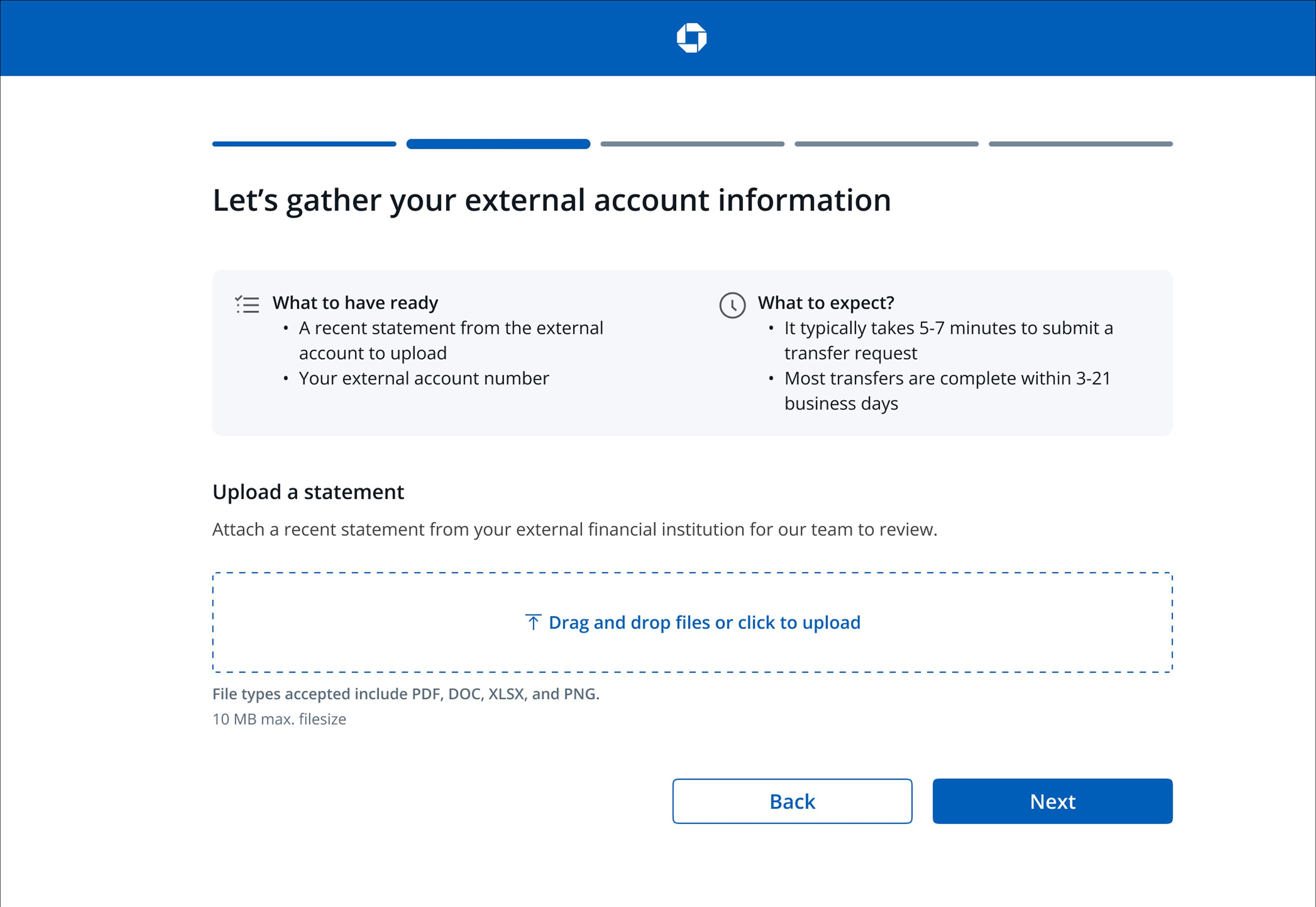
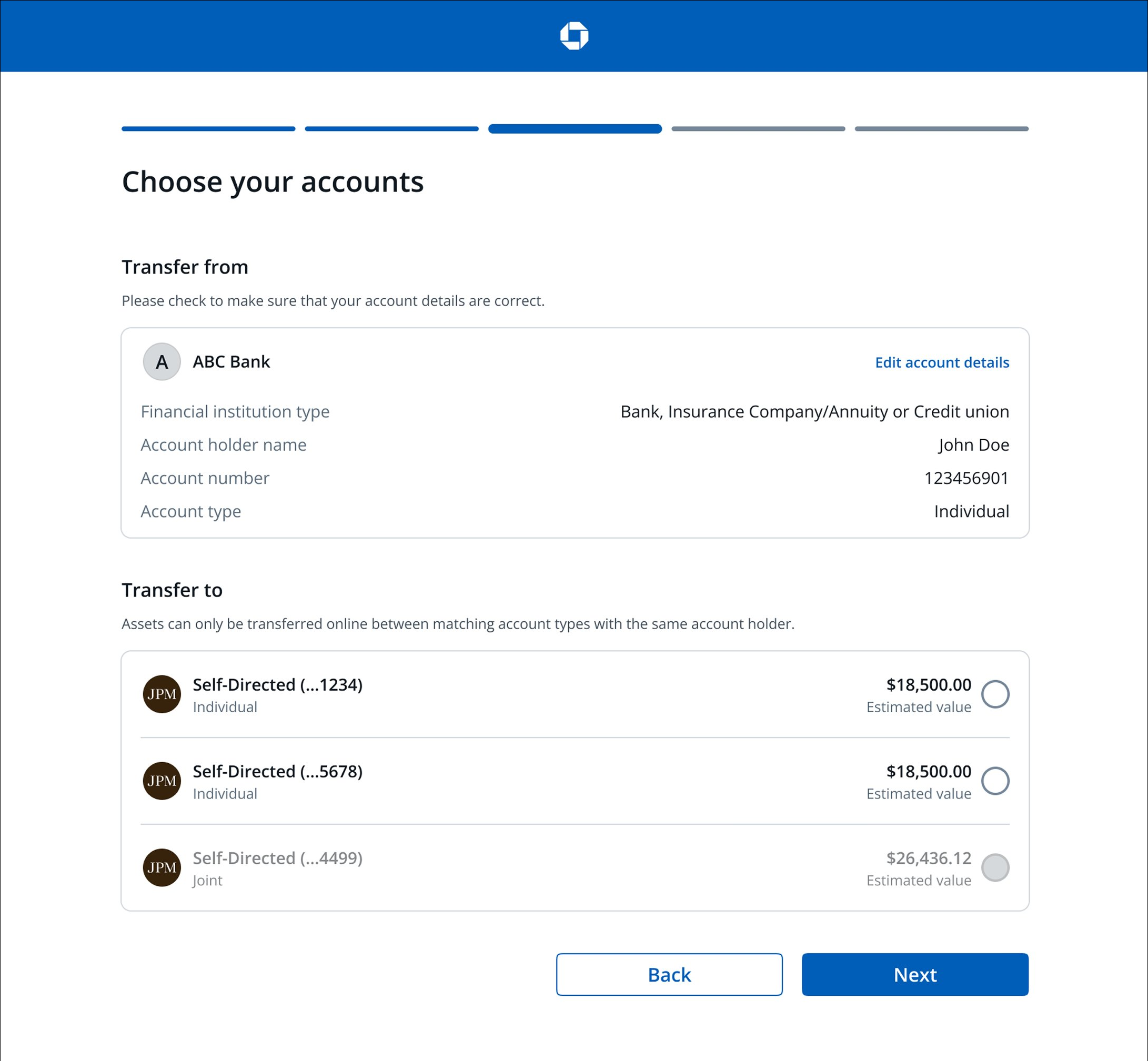
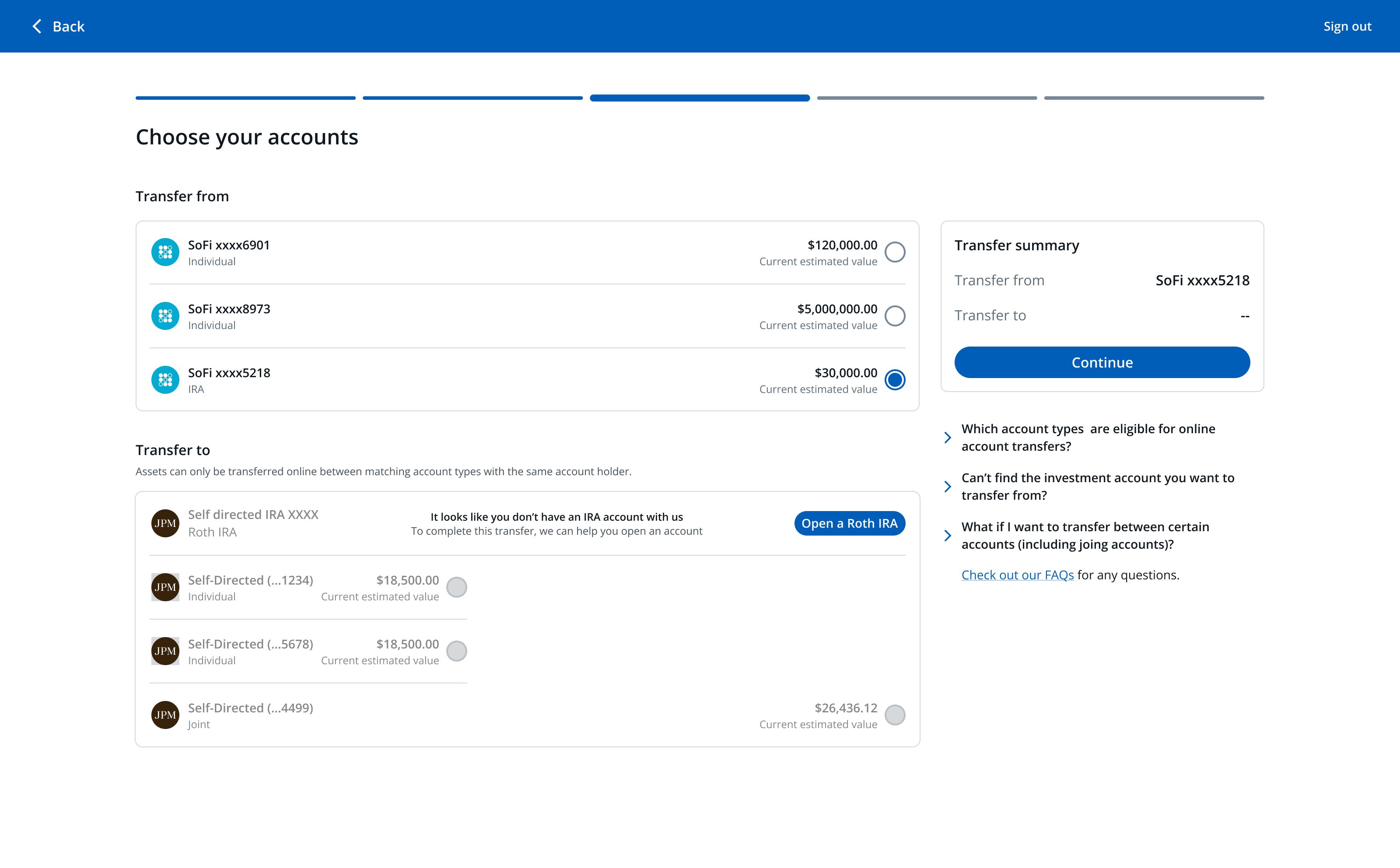
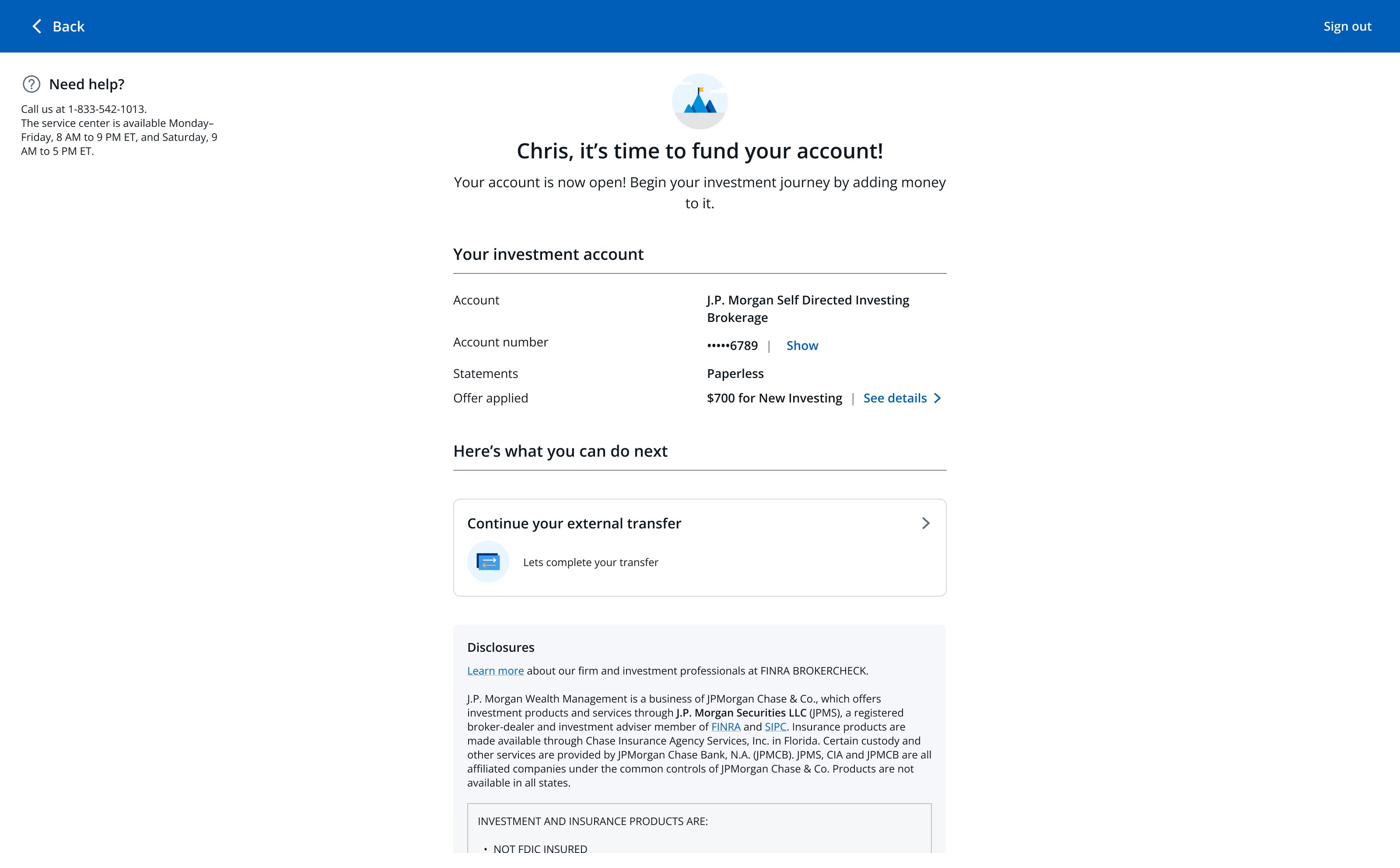
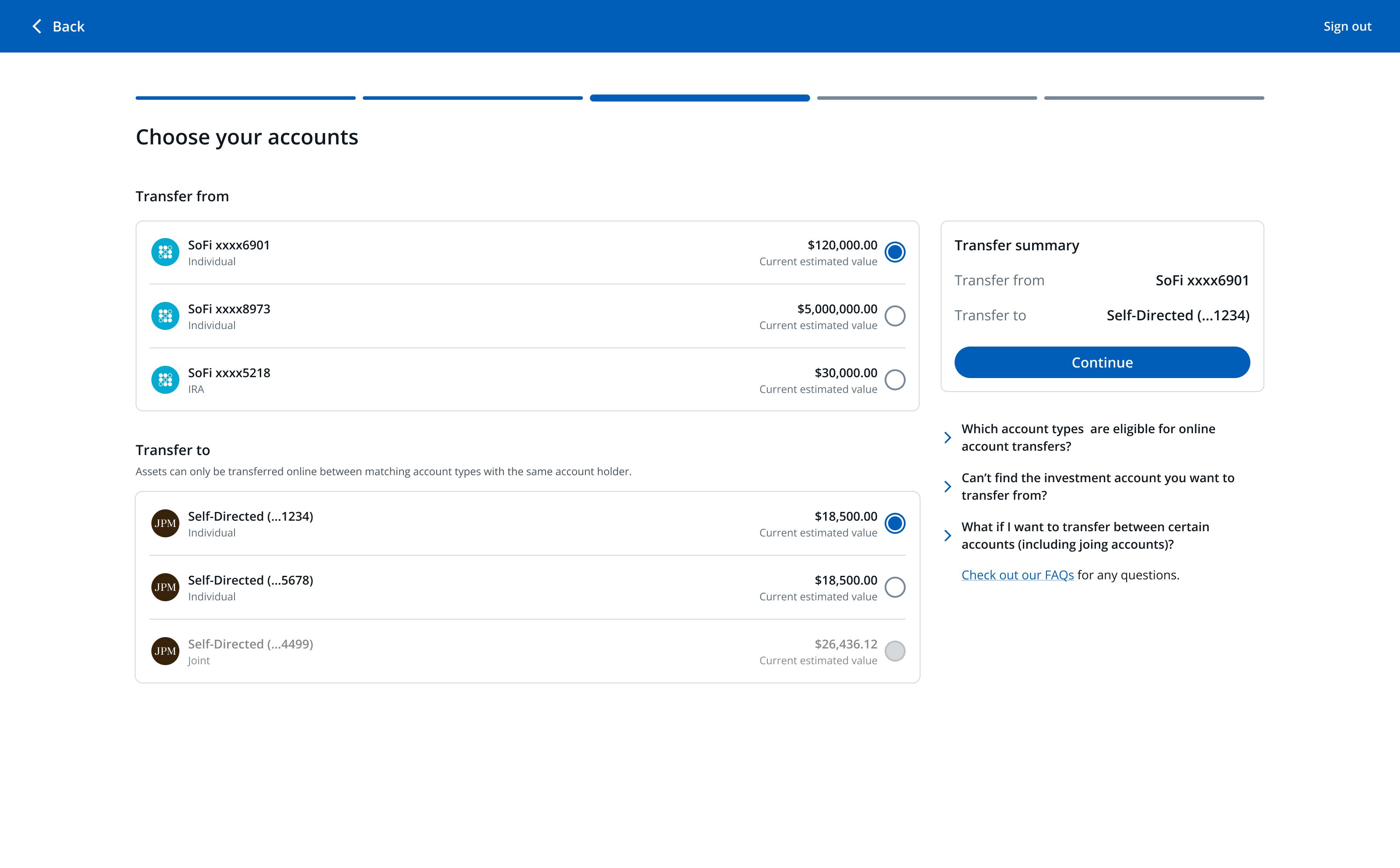
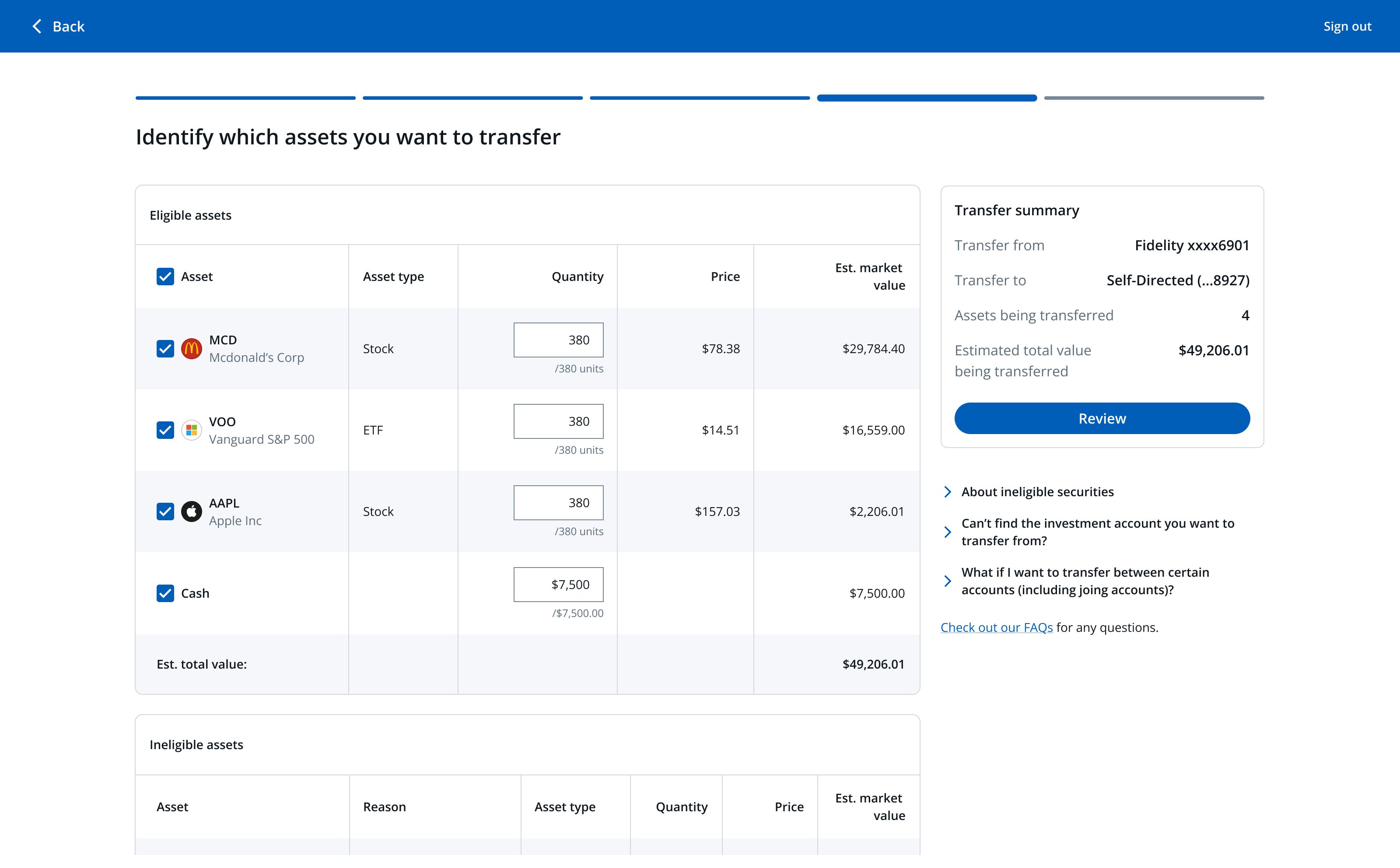
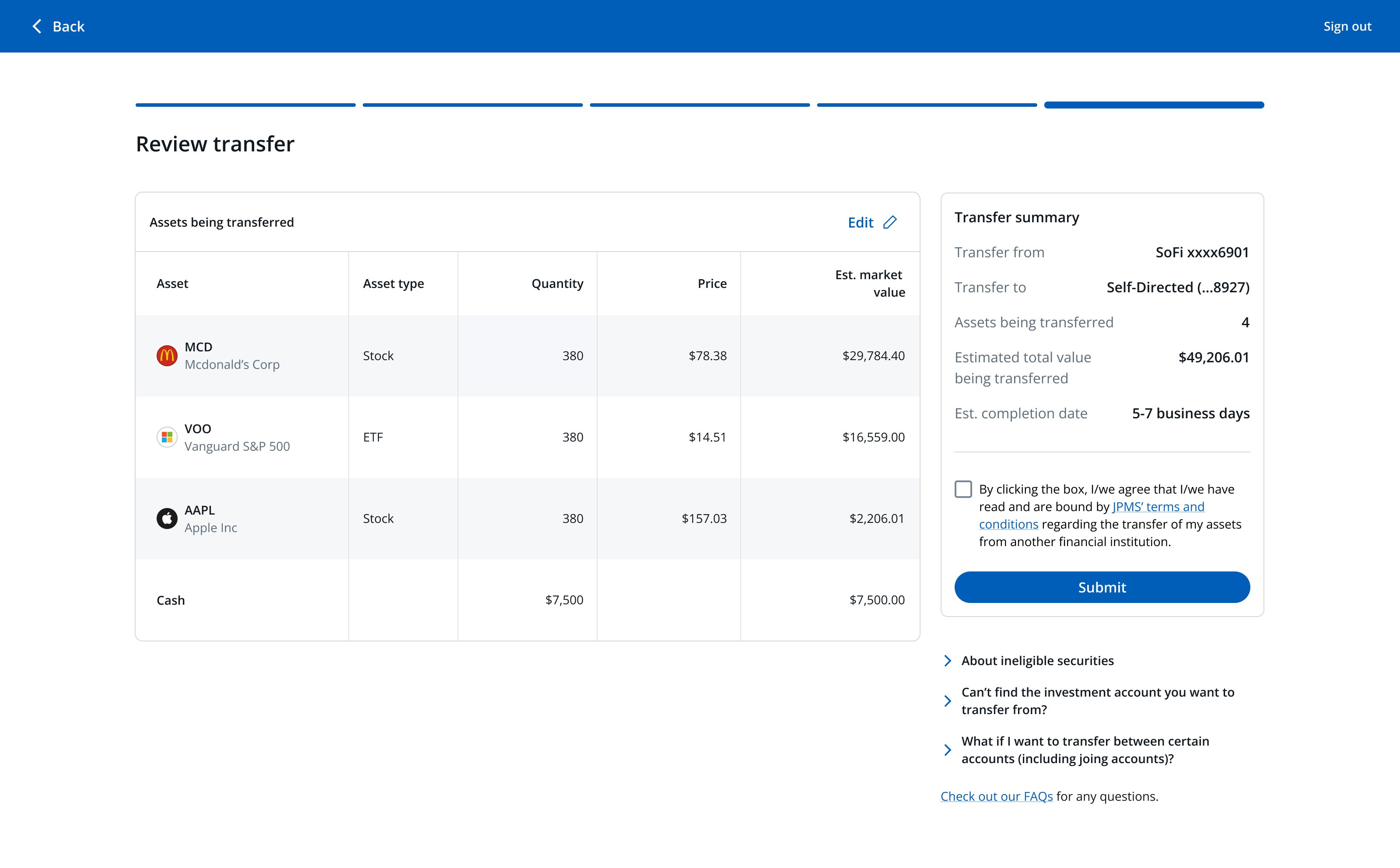
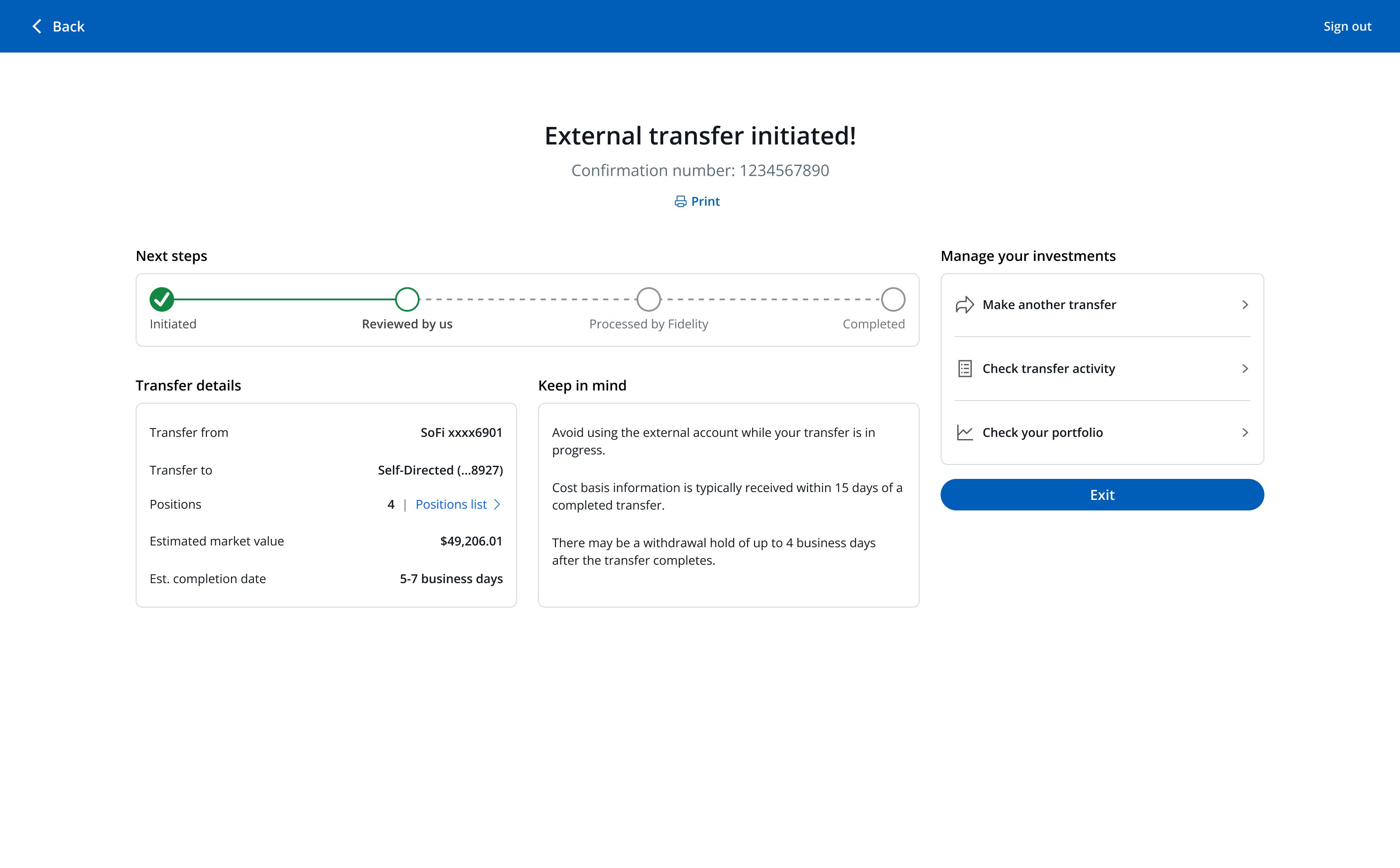
The redesign was scoped, validated against backend data, and aligned across three PMs and two engineering squads. The case for the work was strong enough to move the initiative above the line on the roadmap and ship the highest-impact fixes first.
Phase 2 sequenced for Q4 2025. The full vision is tracked through 2026.
Quantifying the cost of inaction moved ACAT above the line and earned investment across multiple squads.
The work, and the trust built delivering it, became the foundation for the next high-profile project.
The cross-team collaboration on the account-opening handoff came together later than it should have. I learned about their flows, constraints, and technical restrictions in the middle of design — which meant I had to revisit work I'd already aligned on with stakeholders.
In hindsight, I would have embedded with that team earlier. A handful of exploratory conversations at the start would have saved rework and likely accelerated the MVP. The bigger principle: when a problem requires another team to fix it, design partnership has to start before the designing does.